

Change your billing information on Stripe
Since we use Stripe to process payments, you can change your billing information on Stripe by following the steps below:- From your workspace dashboard (e.g.
app.dub.co/your-workspace), click on the Settings tab. - On the left sidebar, click on Billing.
- Click on the Open billing portal button to access your Stripe dashboard.
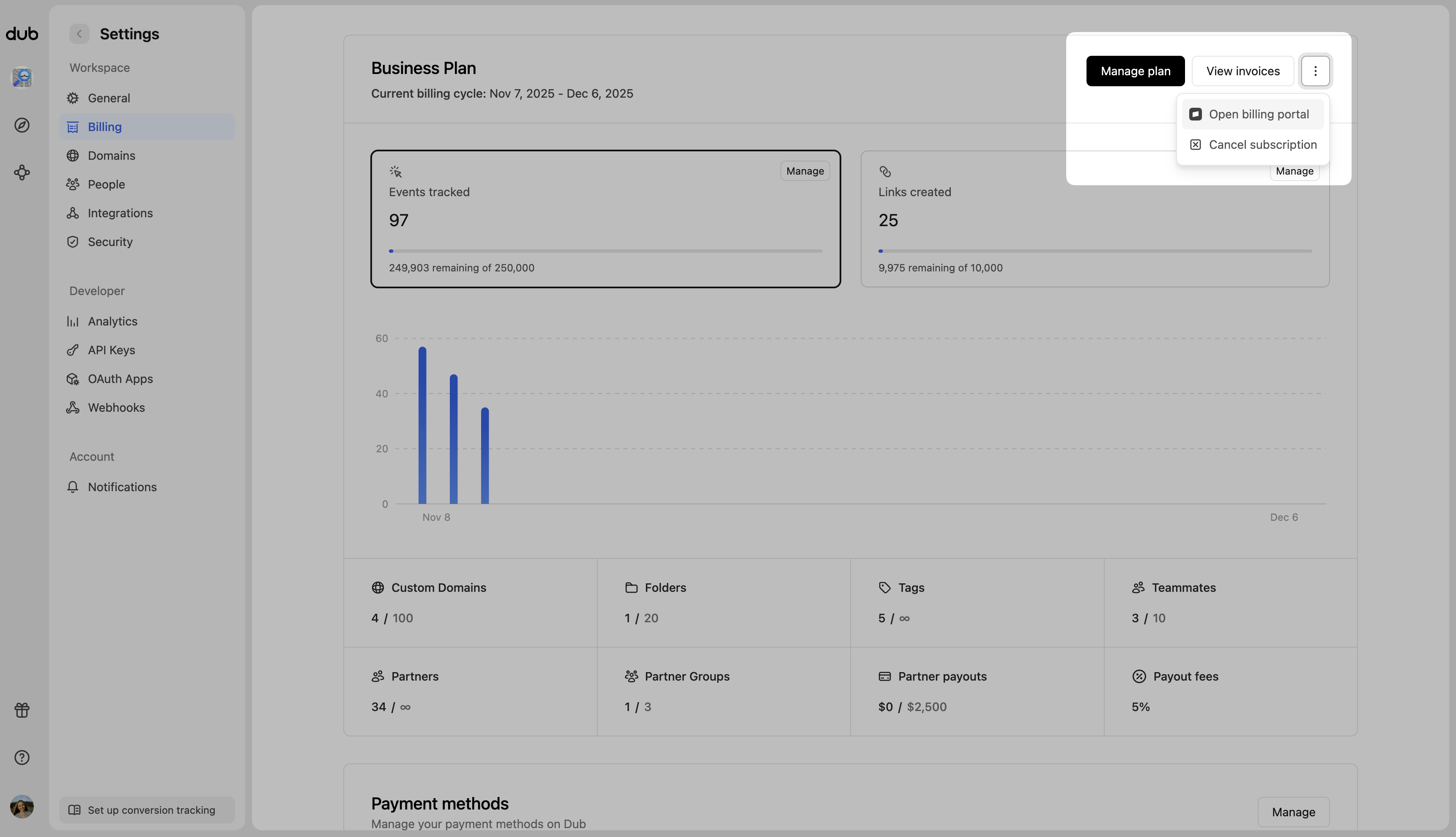
- Scroll down to the Payment Method section.
- Here, you can add a new payment method or update your existing payment method.