

Where to find the Program Marketplace
From your main program navigation, click Program Marketplace.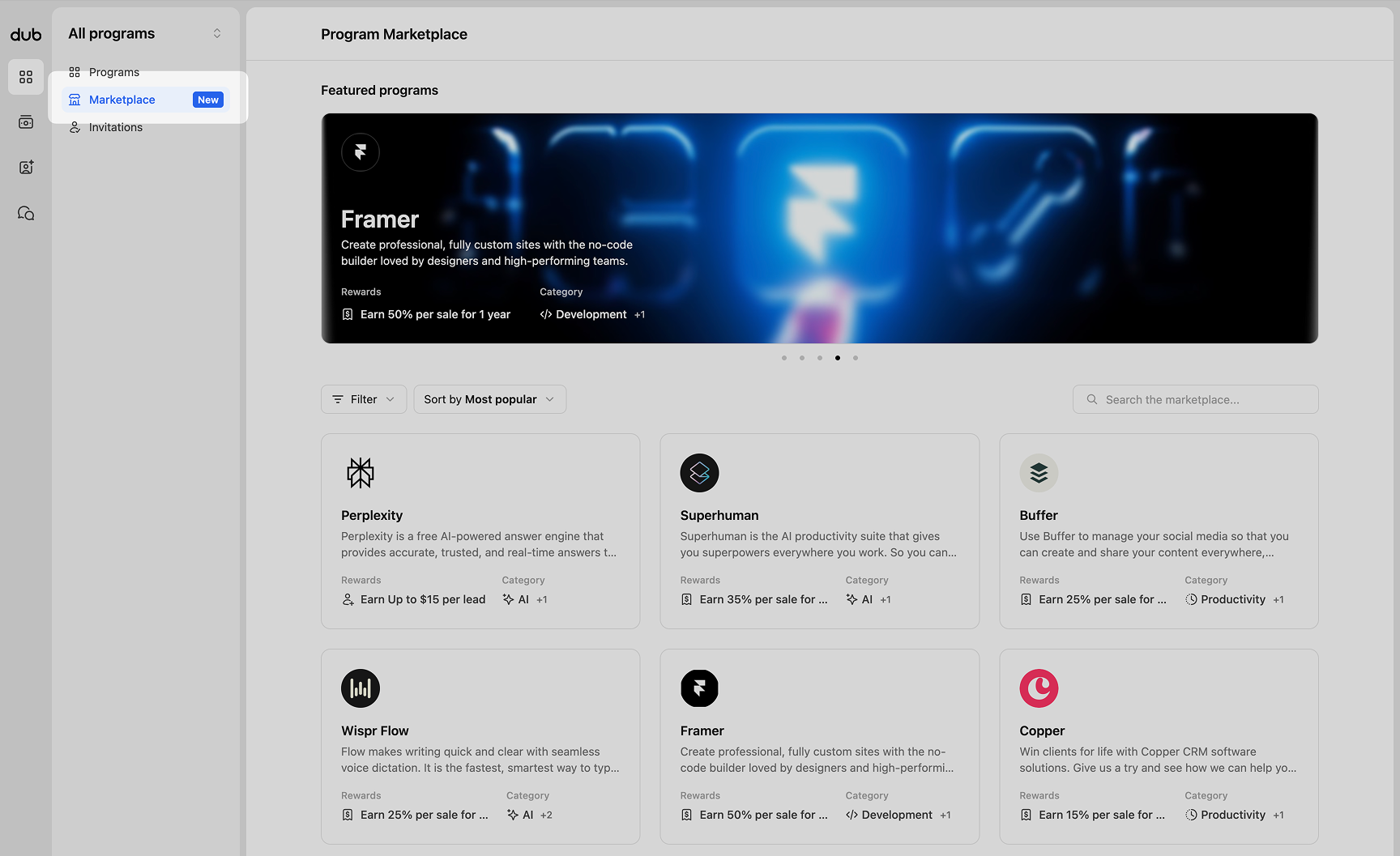 Here you can browse featured programs and a full list of programs available to explore and apply to.
Filters and sorting
Within the program grid, you can refine what you see by applying filters or sorting options. This helps narrow programs based on categories or the reward types available. You can filter by several criteria, then sort the results by most popular, newest, or name order.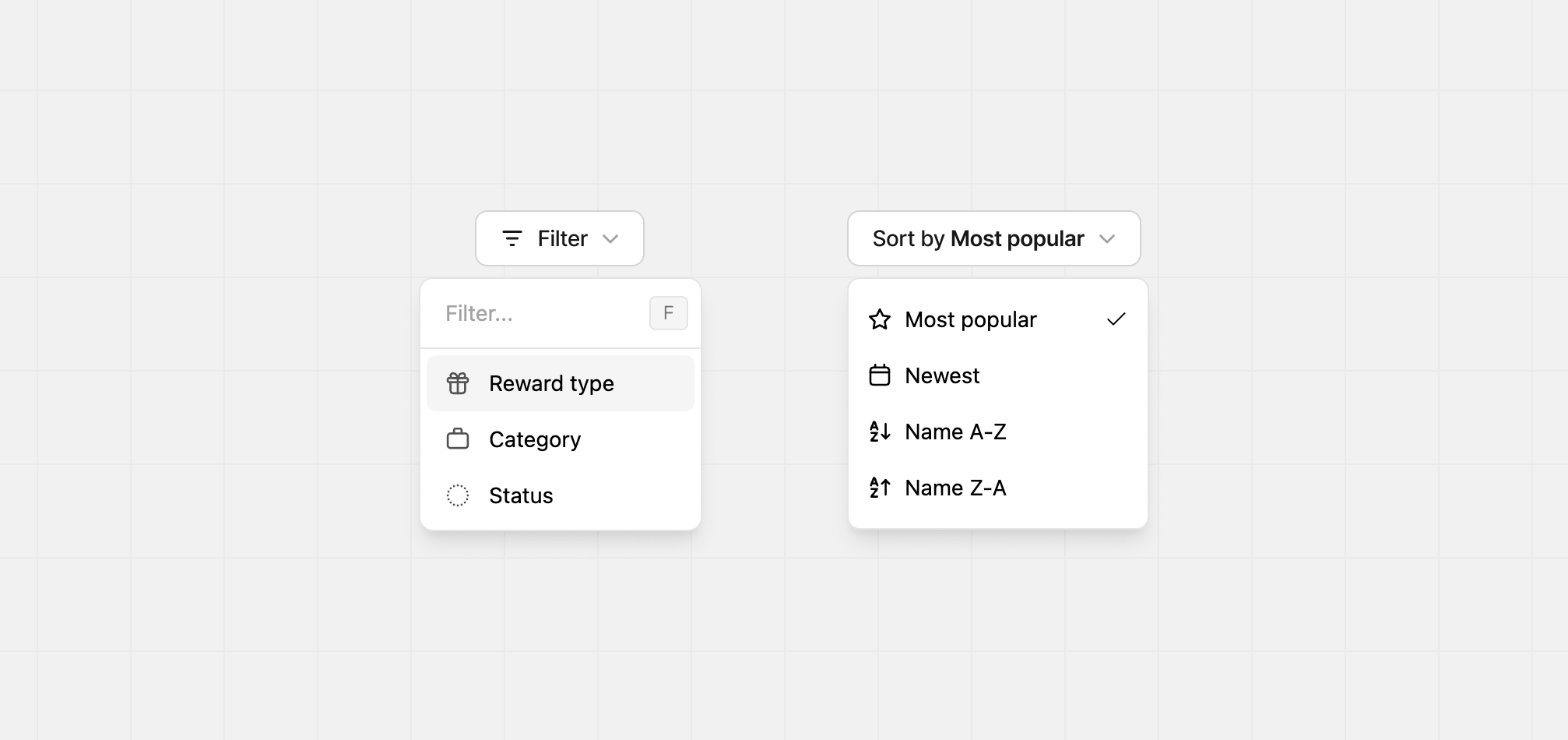
Program details
To view details about a program, click any program card.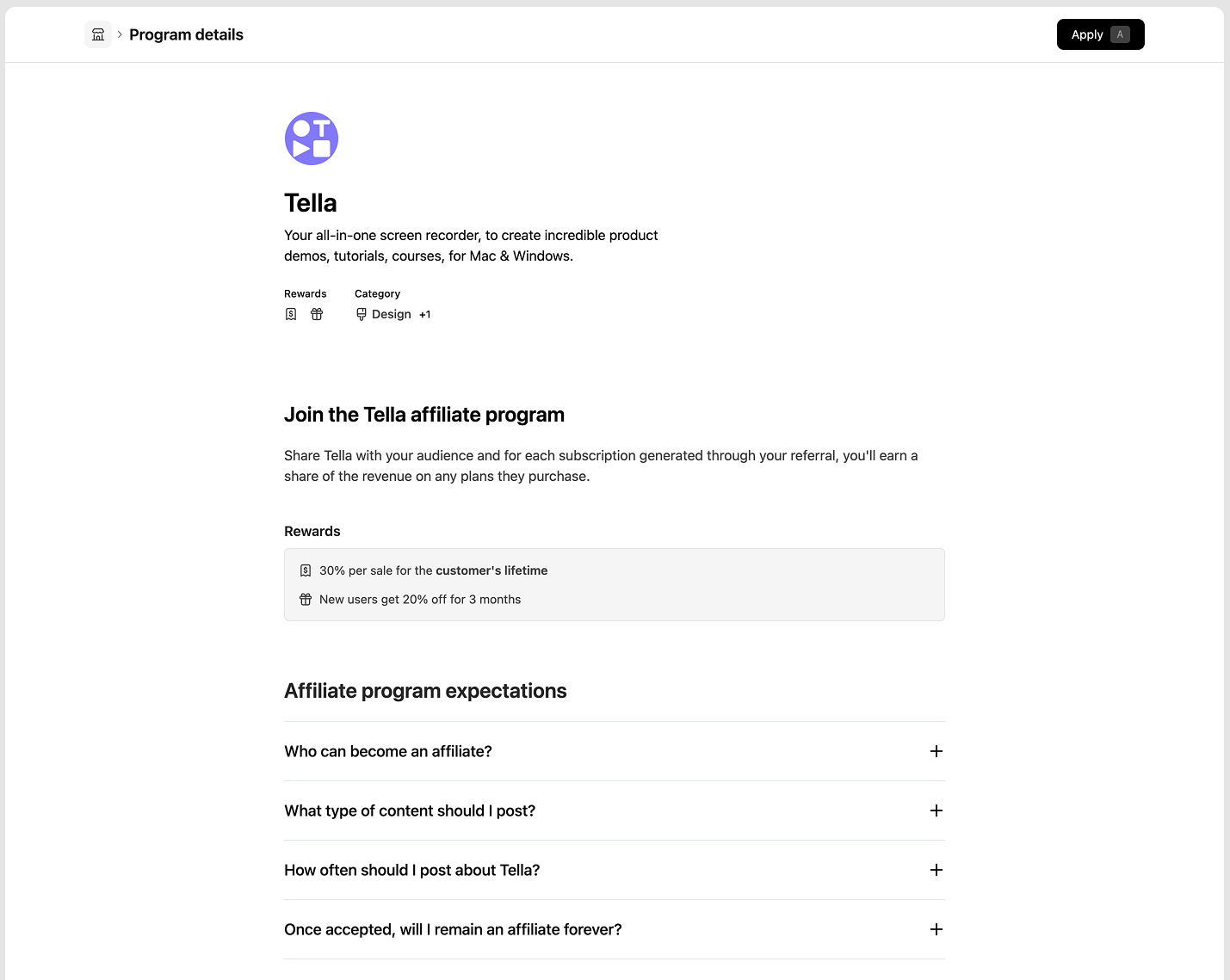 The program details page includes:
- Product description
- Rewards offered
- Program categories
- Additional supporting content to help you understand the partnership
Applying to a program
When you are ready to apply, click the Apply button in the top right of the Program details page.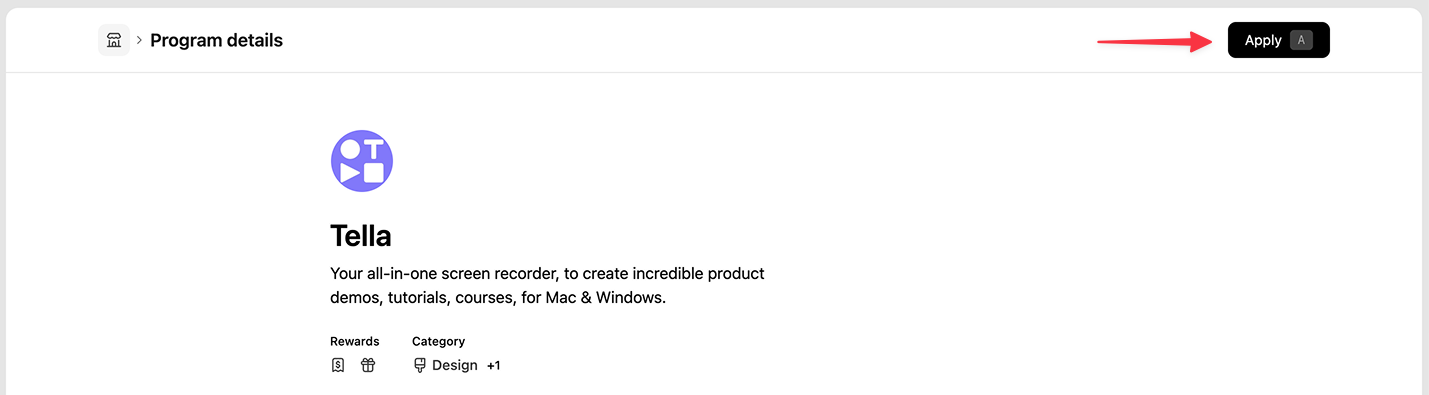 Each program has its own application requirements. Fill out the form as accurately as possible to increase your chance of approval.
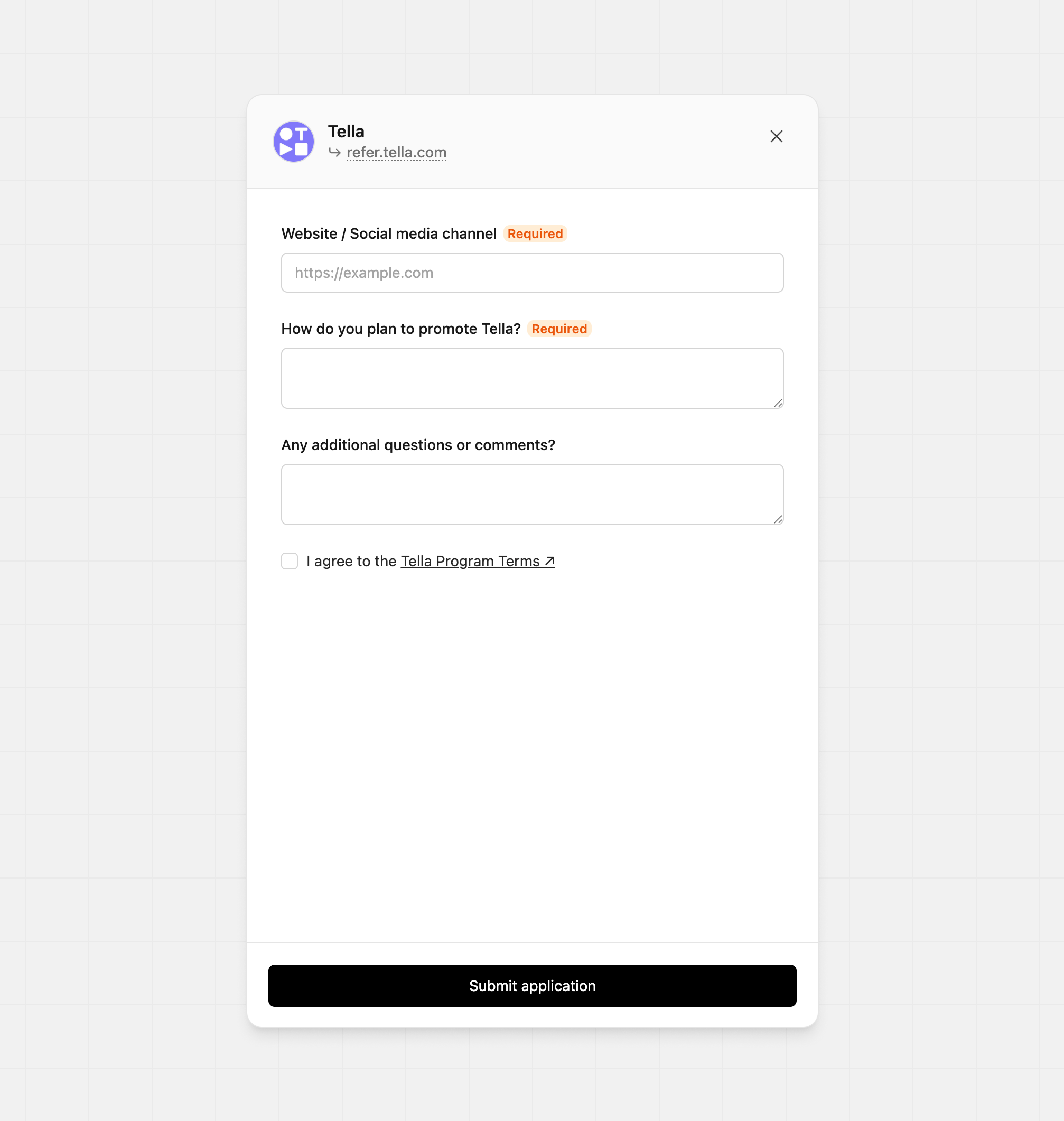 After completing the form, click Submit application. You will be notified by email once your application is approved.