

acme.com and want to add link-sharing features under acme.com/r/ (e.g. acme.com/r/123), you can use Dub to handle the redirects for this subpath without affecting the rest of your website.
Step 1: Add a subdomain to Dub
First, you need to add a subdomain of your existing domain to Dub. For example, if your domain isacme.com, you can add a subdomain like r.acme.com.
You can follow these steps to add a subdomain to Dub.
Step 2: Configure rewrites/redirects
Once you’ve added the subdomain, you can use rewrites or redirects to mask the subdomain and handle the redirects on the subpath.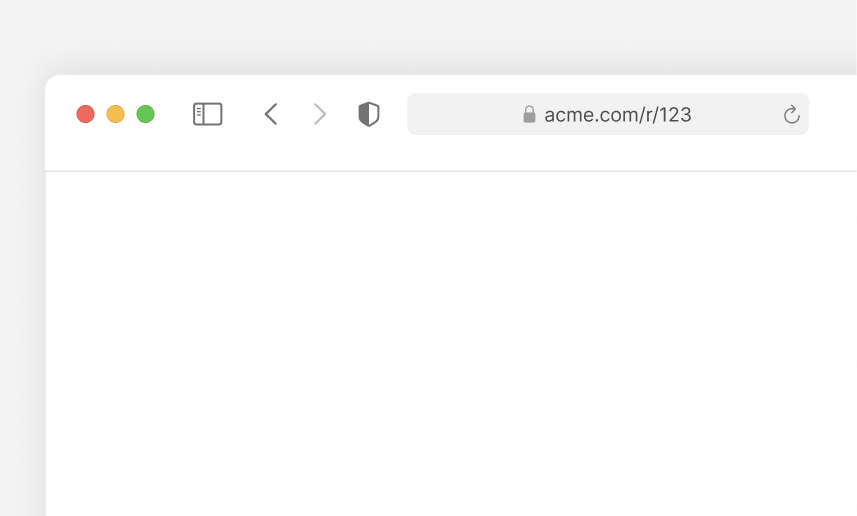 There are a few ways to configure this, depending on your application framework/hosting provider.
Using Next.js
If you are using Next.js, you can use therewrites property in your next.config.js file to configure subpath redirects.
next.config.js
Using Nuxt
If you are using Nuxt, you can use Nuxt’s server route feature to configure subpath redirects. First, create a new catch-all route in the respective subpath:server/routes/r/[...slug].ts
Then, in the route, add the following code:
server/routes/r/[...slug].ts
Using Vercel
If you’re using Vercel, you can use therewrites property in your vercel.json file to configure subpath redirects.
vercel.json
Using Netlify
If you’re using Netlify, you can use theredirects property in your _redirects file to configure subpath redirects.
_redirects
Using Cloudflare
If you’re using Cloudflare, you can use the Redirect Rules feature to configure subpath redirects.- Go to your Cloudflare dashboard for your website and click on Rules > Redirect Rules.
- Click on Create Rule.
- Give your rule a name, e.g. “Redirect subpath”.
- Under When incoming requests match:
- Select Custom filter expression
- Field: URI Path
- Operator: starts with
- Value:
/r/
- Under Then:
- Type: Dynamic
- Expression:
concat("https://r.acme.com/", substring(http.request.uri.path, 3)) - Status code:
301 - Preserve query string: ✔️
- Click on Deploy.
The number in the
substring function in the Expression field should be
equal to the number of characters in the subpath. In our case, the subpath is
/r/ which has 3 characters, so we use substring(http.request.uri.path, 3).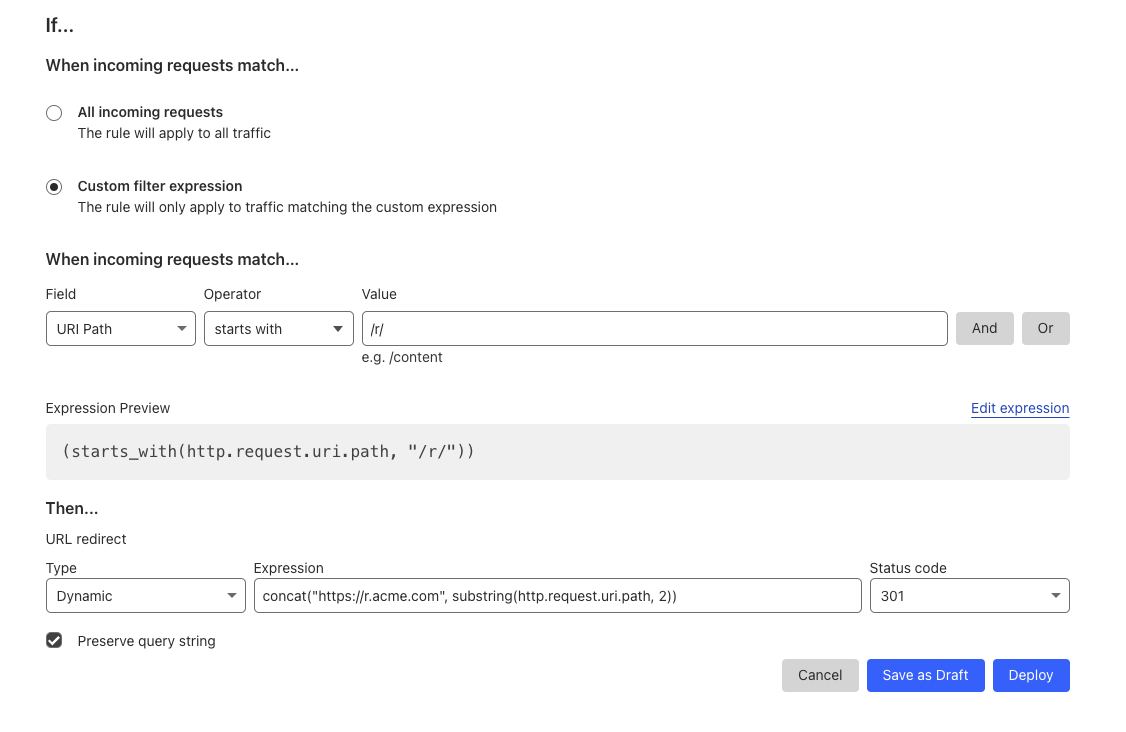
Using Webflow
If you’re using Webflow, you can use the Wildcard redirects feature to configure subpath redirects.- Go to Site settings > Publishing tab > 301 redirects
- Add a new redirect with the following settings:
- Old path:
/r/(.*) - Redirect to page:
https://r.acme.com/%1
- Old path:
- Click on Save.
Using Squarespace
If you’re using Squarespace, you can use the URL Mappings feature to configure subpath redirects.- Open the Developer tools panel.
- Click URL mappings.
- Click into the text field and add the following redirect:
- Click Save.