Open the payout settings modal
First, go to your payout settings page and click on the Payout settings button:
Enter your business details
This will open up the Payout settings modal, where you can set your business name, address, and tax ID:
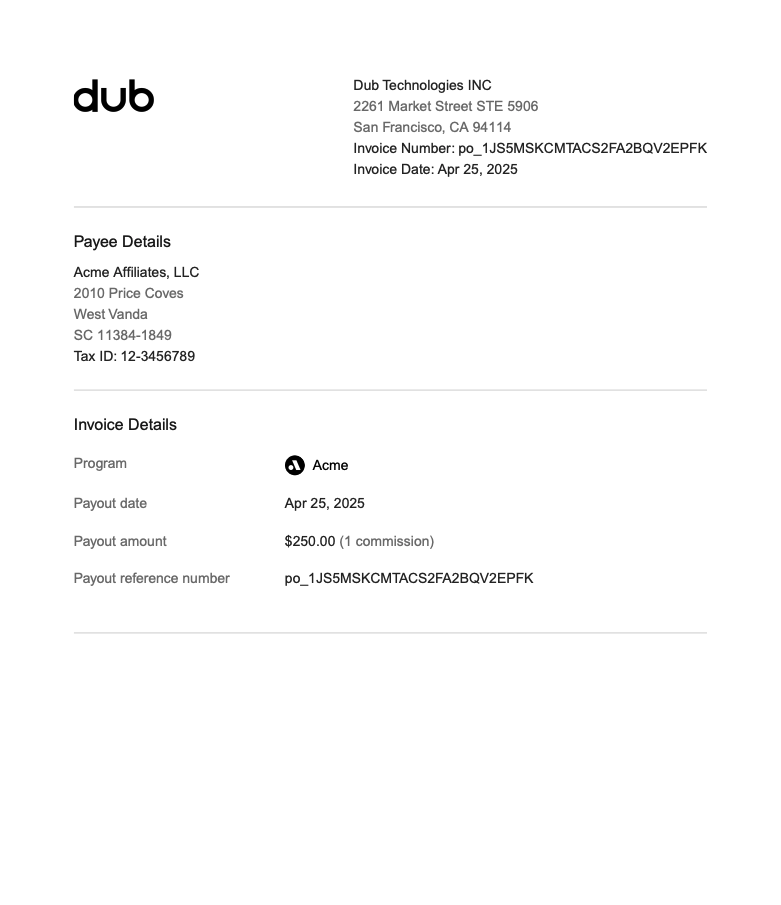
Learn how to set custom business details (company name, address, tax ID) in your partner payout invoices.
Open the payout settings modal
Enter your business details