Where to find your program resources
When viewing your Partner Program navigation, click on the Resources page under the Engagement group.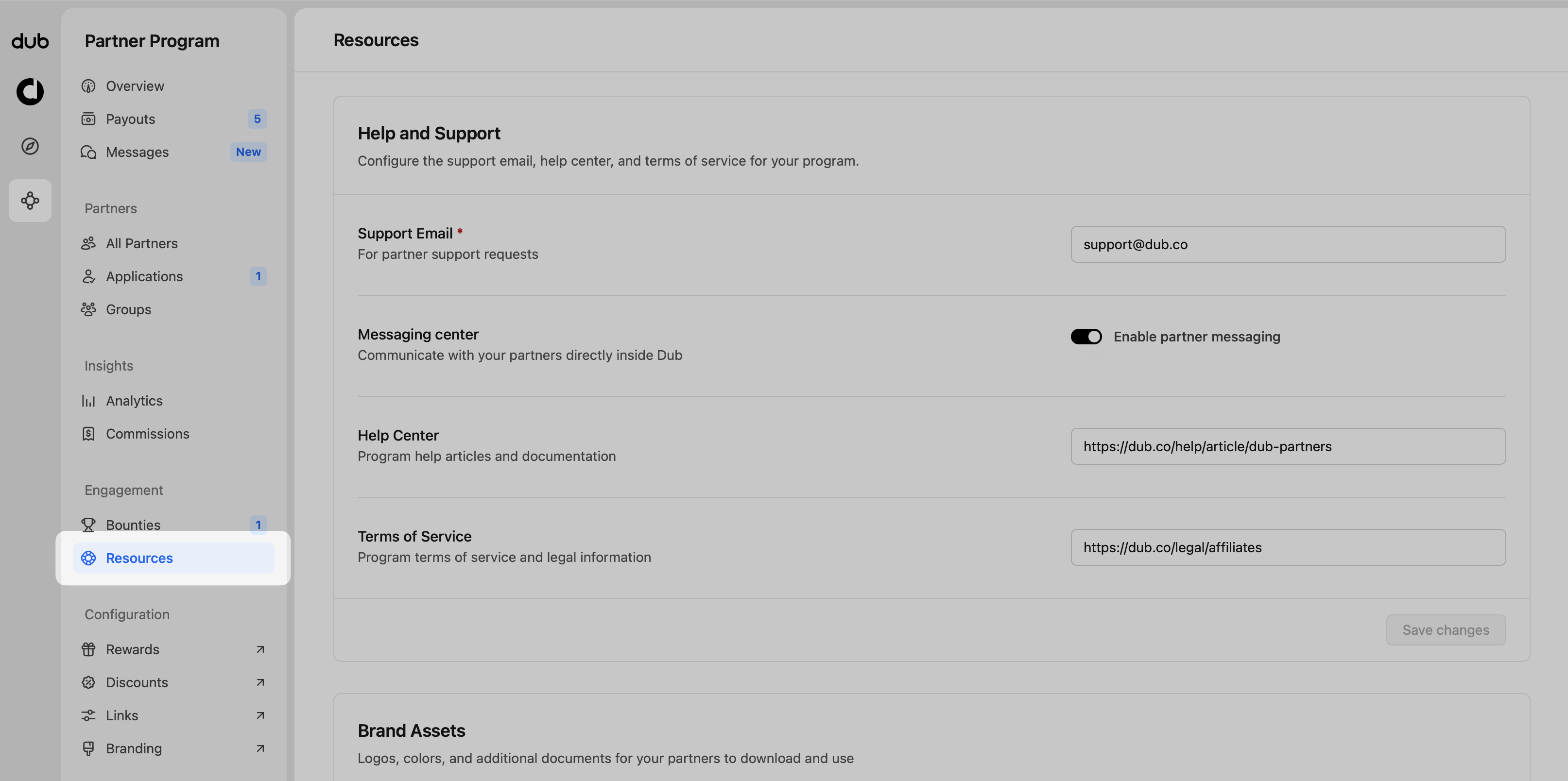
Help and support fields To give your partners the best experience, make sure
all fields in your communication settings are filled out: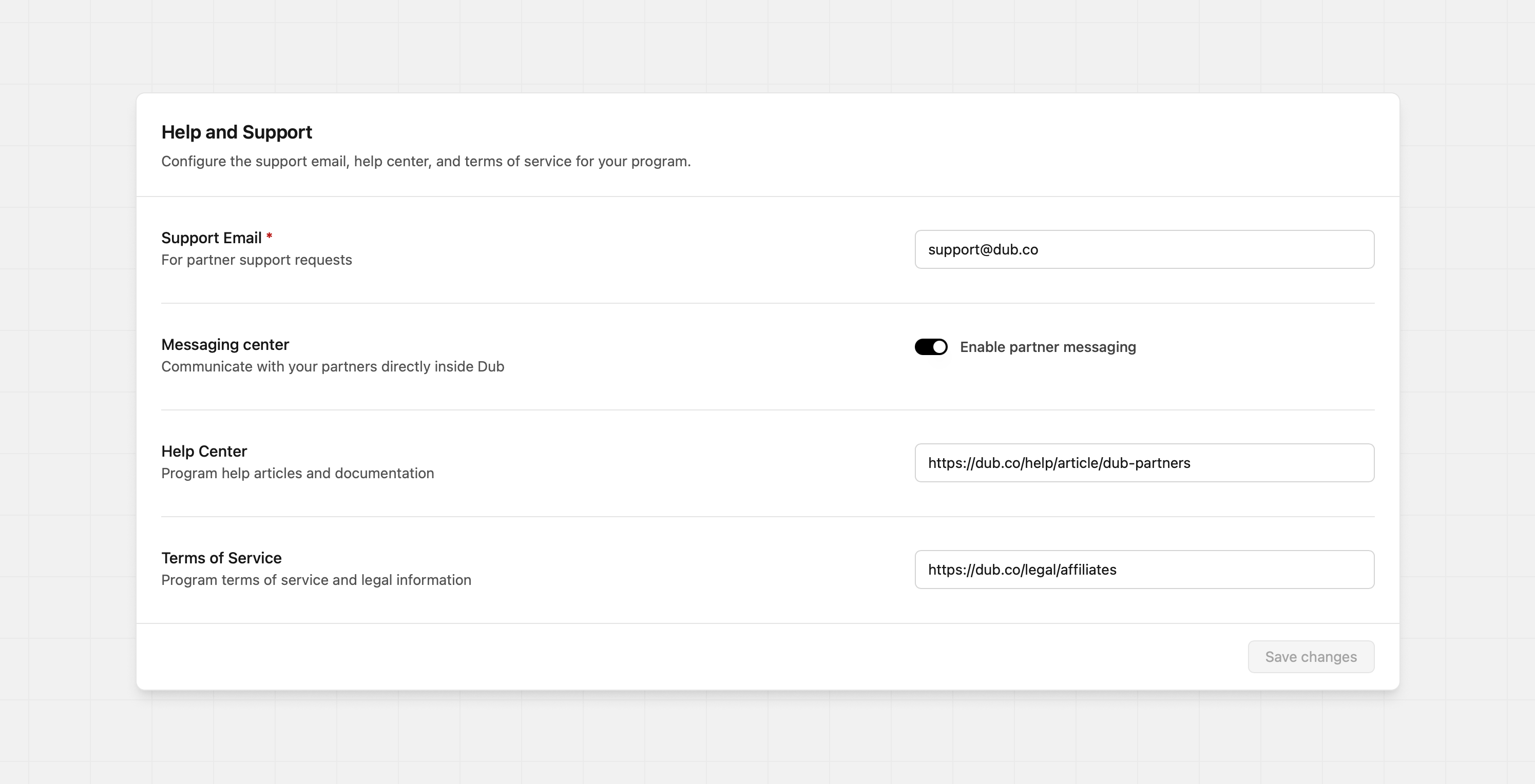
Support Email
The email address your partners should use to contact you with questions or issues about your program. This field is required. Your program’s support email will be added to all email communications with your partners, and it will also be added to the program support resources section on the partner dashboard sidebar: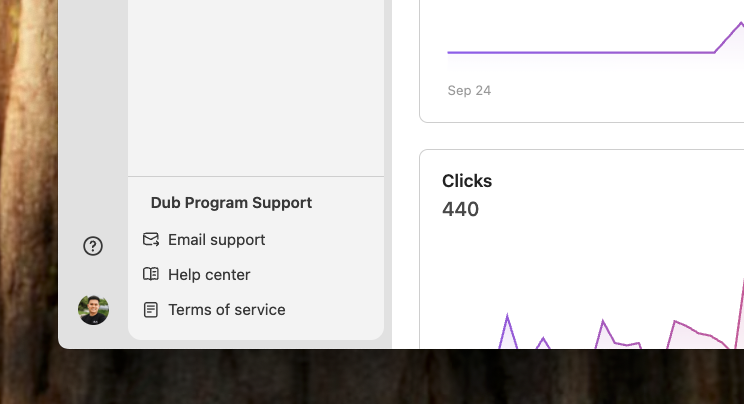
Messaging center
Enabling this allows you to directly message your partners in the Dub platform. This also allows partners to message you as well.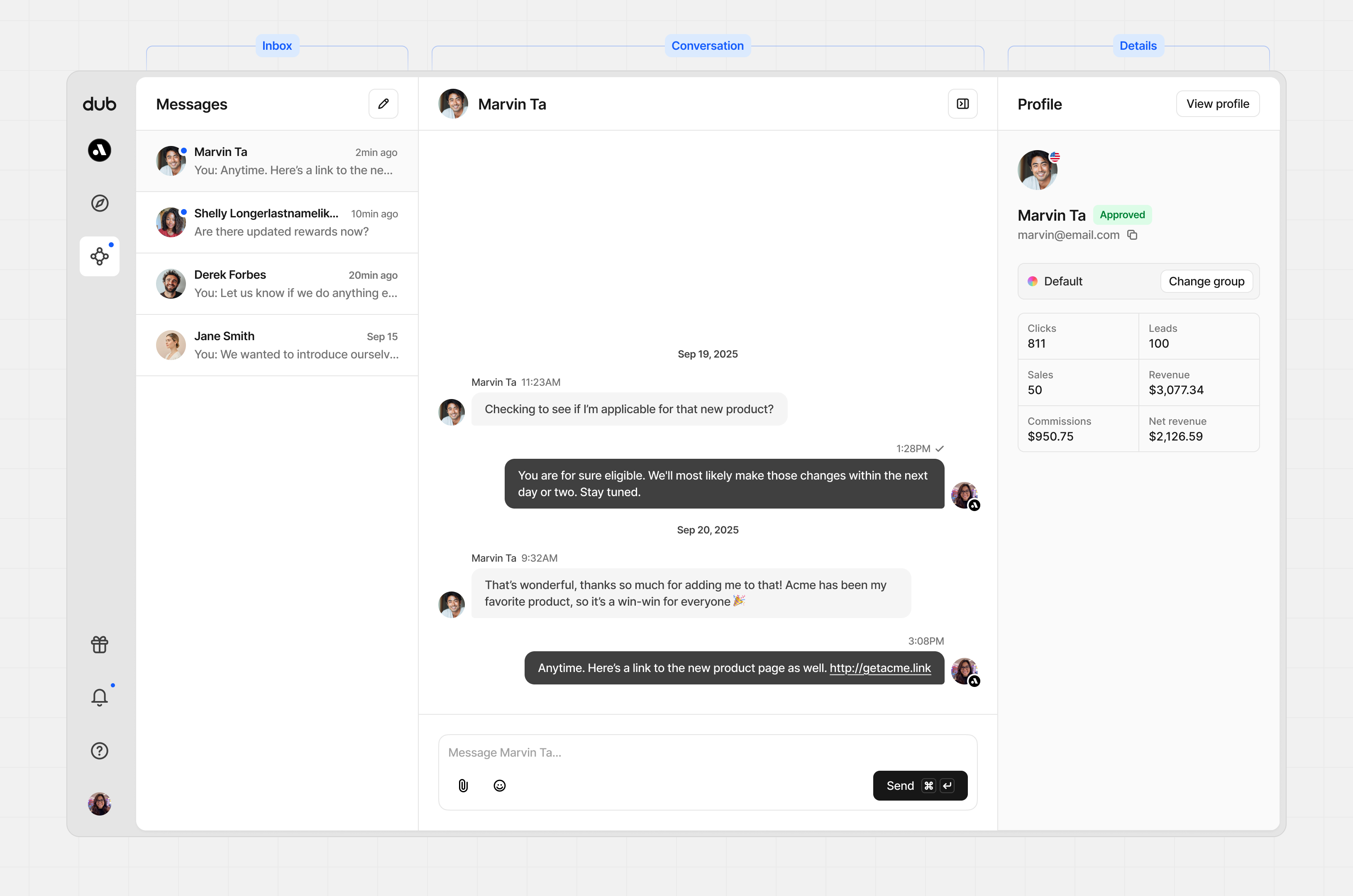
Help Center
Provide the link to any documentation or self-serve resources that can help your partners succeed. This will also be added to the program support resources section on the partner dashboard sidebar:
Terms of Service
A link to your partner program’s Terms of Service (usually separate from your regular platform ToS). When configured, this will be added to your program application form as a mandatory checkbox that partners have to accept before submitting their application: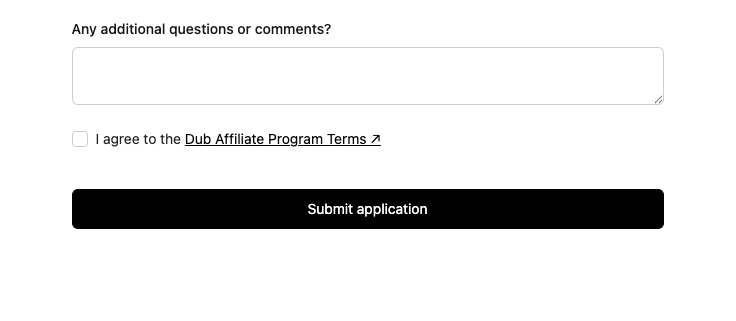
Brand Assets
Add logo files, colors, or any other documents relating to your brand and the program. These will be available to all your partners from their partner dashboard.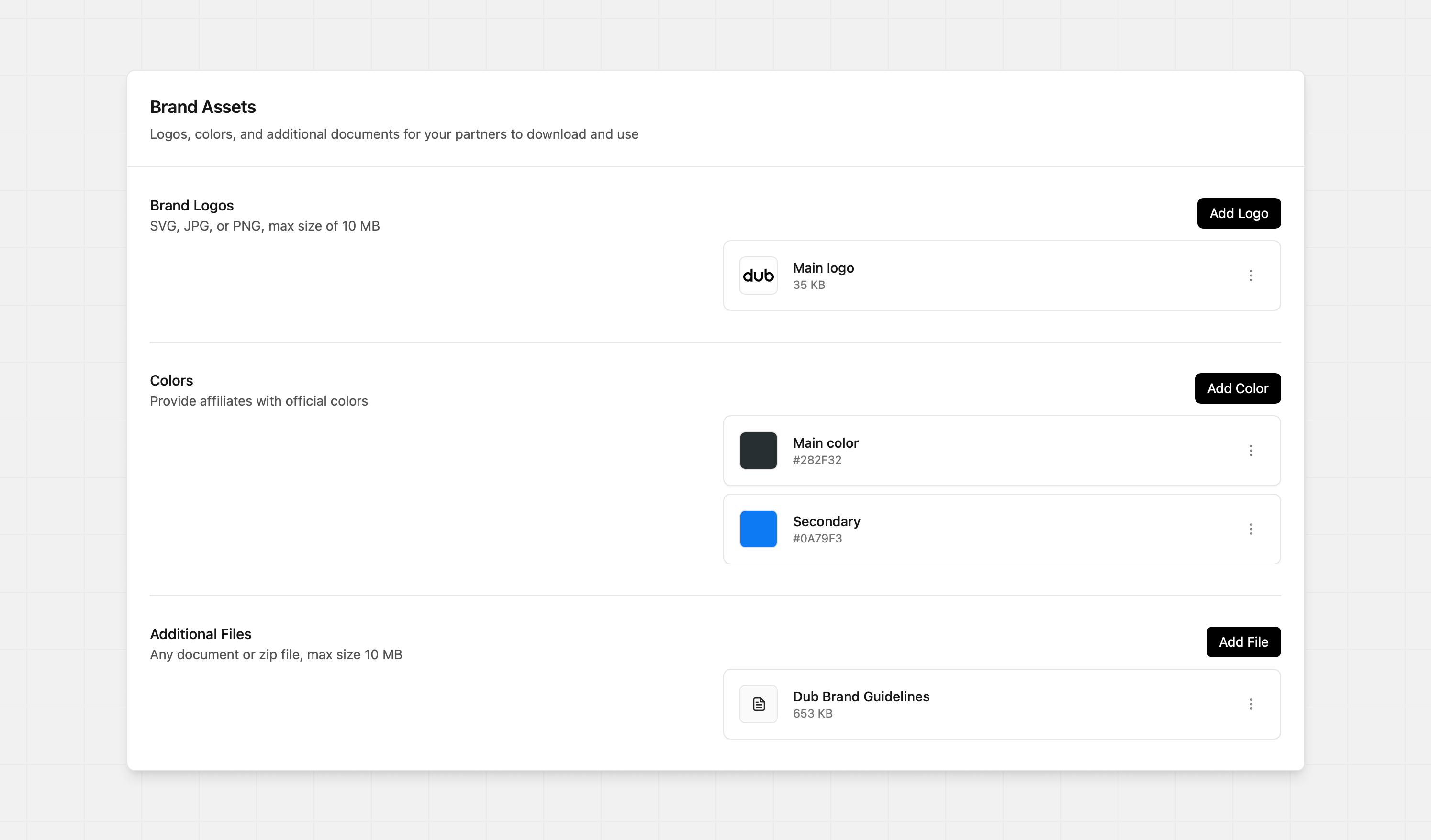
Brand logos Provide the official brand logos so that your partners have the
current versions. You can upload JPG, PNG, or SVG files.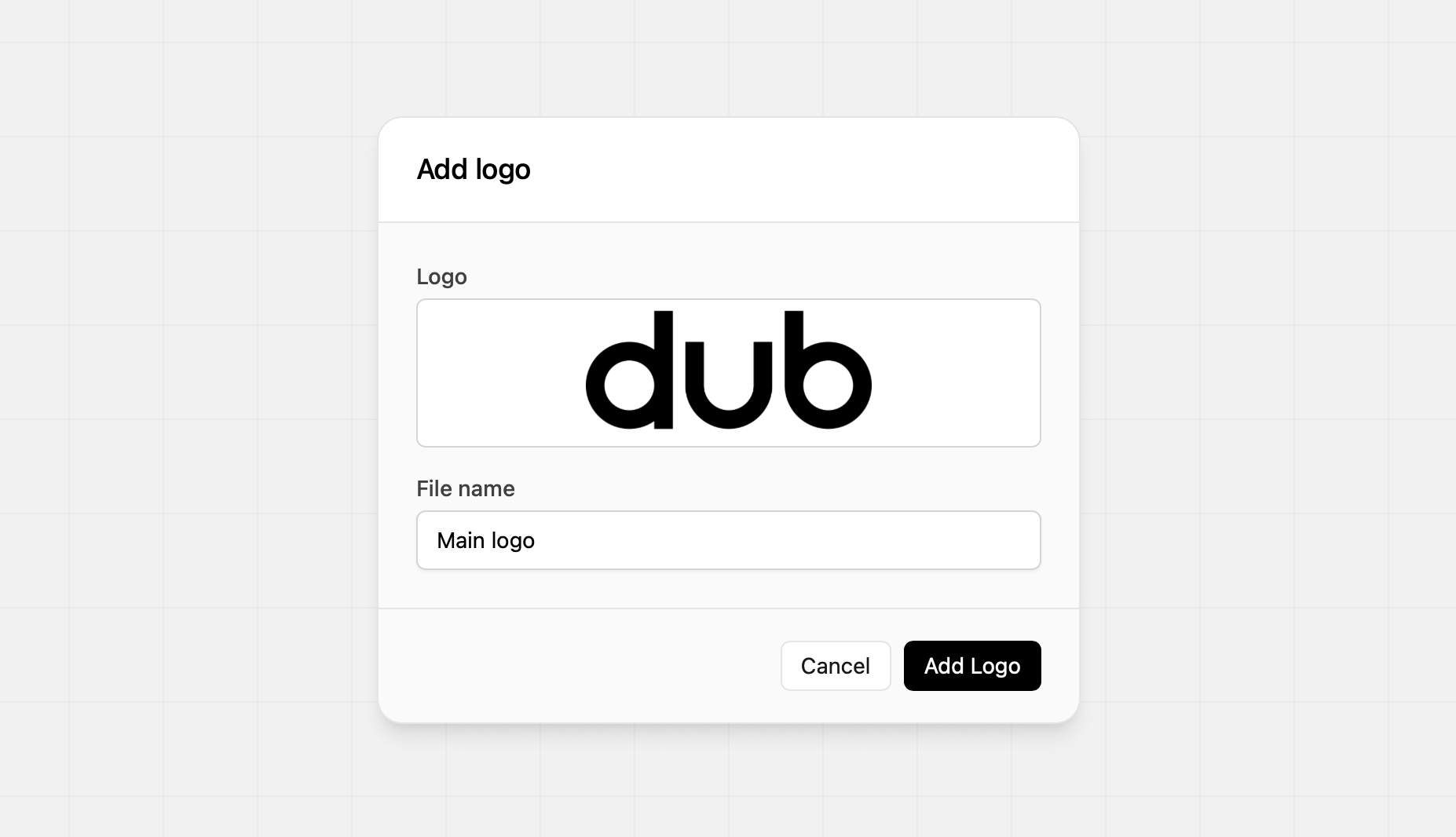
Colors Provide your official brand colors. You can use the color picker, or
you can enter the hex code to select the color.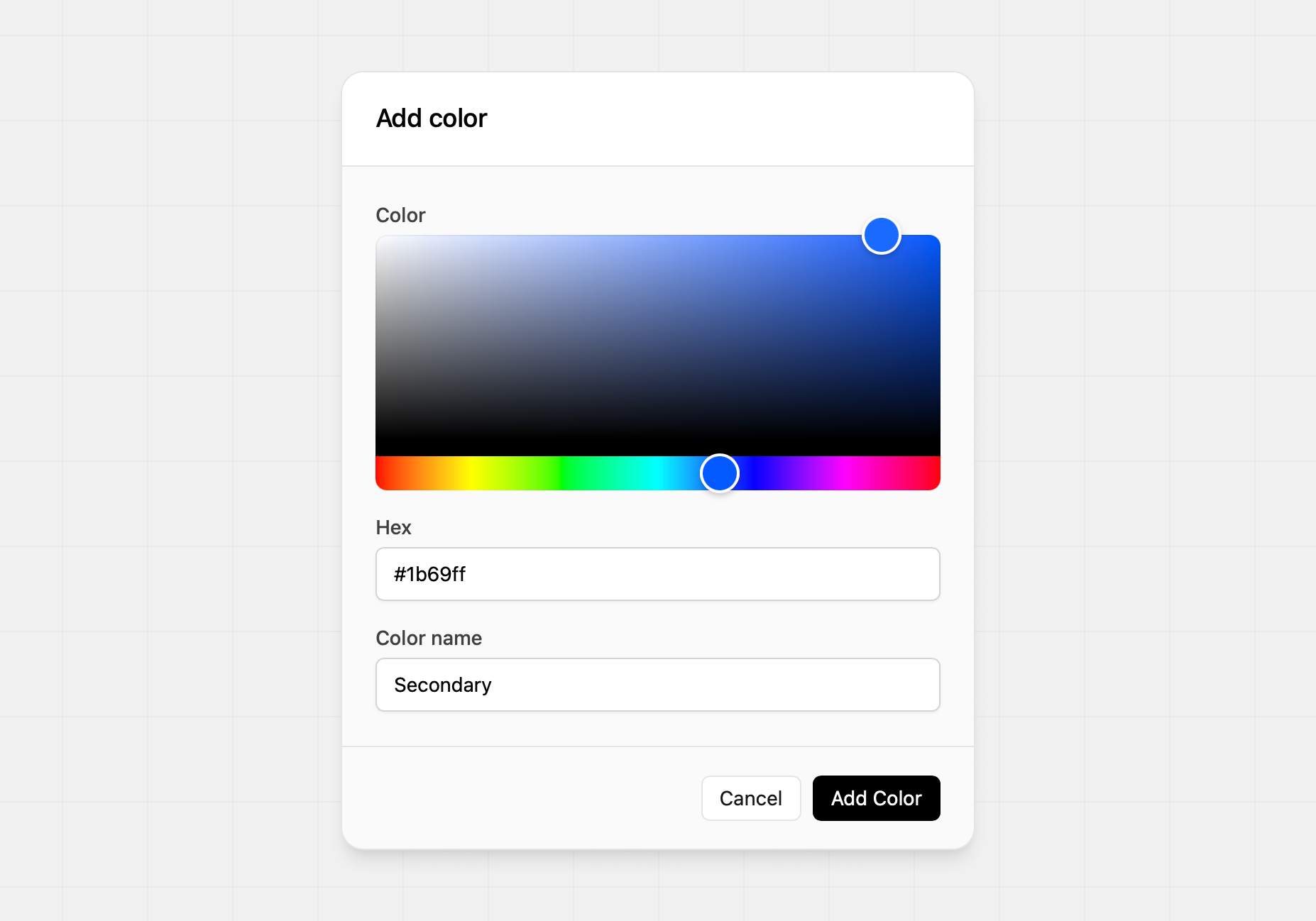
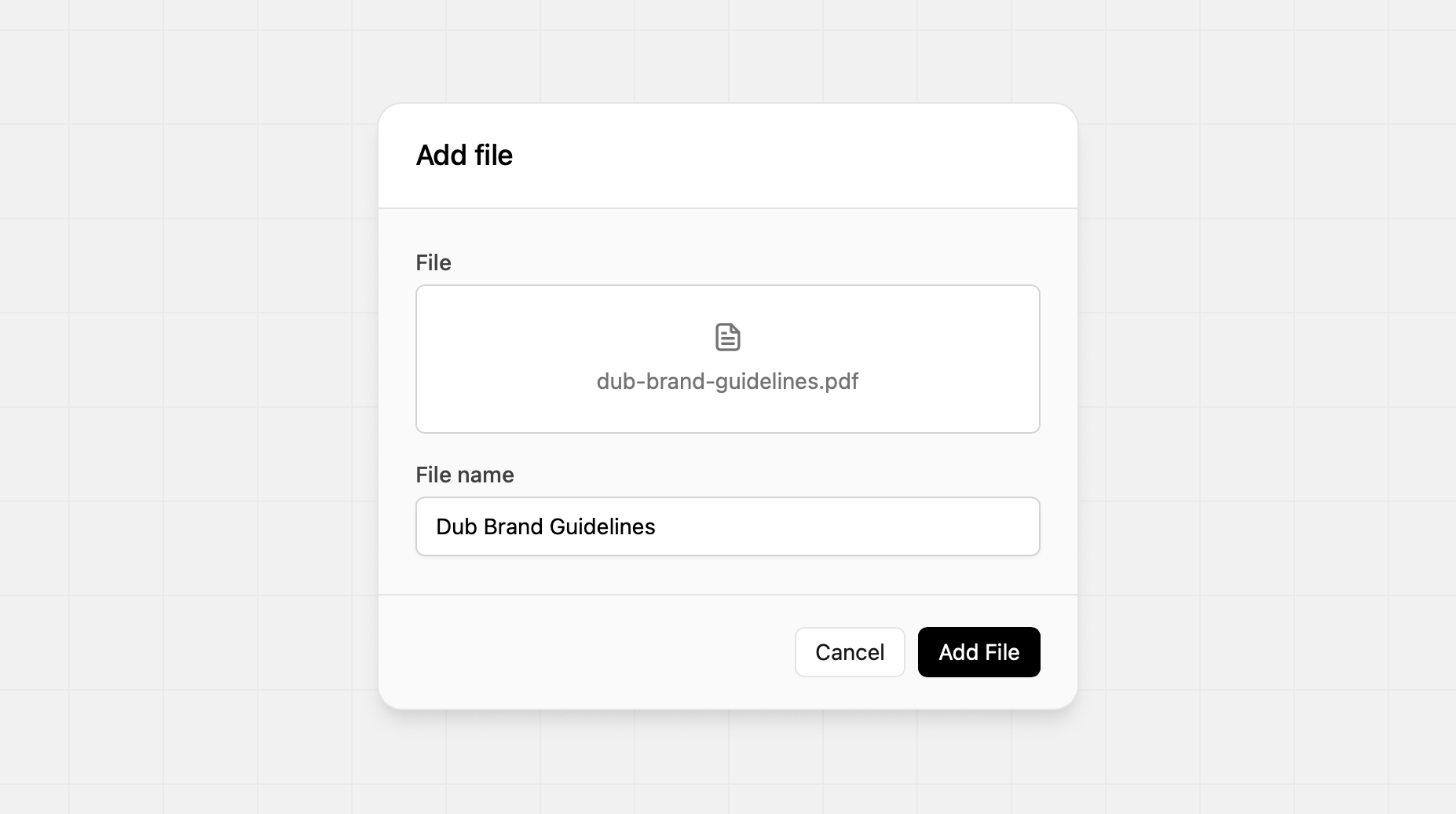
Additional Files Add any additional file to support your partners. Common
additional files: - Brand guidelines - Terms of Service - Marketing strategies