

... in the link builder and select the Add Link Cloaking option.
 This is useful when you want to show your brand or custom domain instead of the actual destination URL.
When this is enabled, your short link will be shown in your users’ browser address bar when they visit your link instead of the destination URL.
This is useful when you want to show your brand or custom domain instead of the actual destination URL.
When this is enabled, your short link will be shown in your users’ browser address bar when they visit your link instead of the destination URL.

Link cloaking caveats
A few caveats for the link cloaking feature:- For link cloaking to work, make sure you use
httpsfor your destination URL. If your destination URL ishttp, the browser will show a “Not Secure” warning, and link cloaking will not work. - Link cloaking might not work for certain websites that have security measures in place to prevent this:
X-Frame-Optionsheader set toDENYcontent-security-policyheader set toframe-ancestors 'none'
Link cloaking with security headers
If you have control over the destination URL that you are cloaking, you can leverage security headers to enable link cloaking on Dub while also disabling iframe embedding everywhere else.Adding security headers to your destination URL
To do this, you need to whitelist your Dub short domain as an allowed origin on your site by adding the following response headers to your site:dub.link, you would need to add the following headers to your destination URL:
Whitelisting multiple domains
You can also whitelist multiple domains by separating them with a space:Secure link cloaking demo
Here’s a demo of how this works: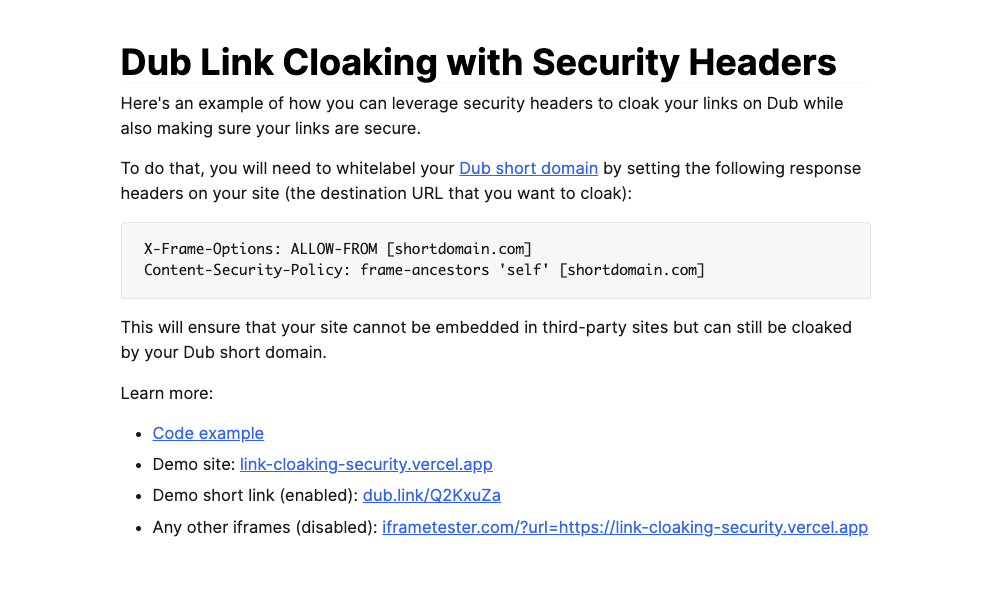
- Code example: git.new/zAD0CkJ
- Demo site: link-cloaking-security.vercel.app
- Demo short link (enabled): dub.link/secure-cloak
- Any other iframes (disabled): iframetester.com/?url=https://link-cloaking-security.vercel.app